
FaceTime Scams: A Closer Look at the Calls Reaching iPhone Owners
August 15, 2026 — 65Nation
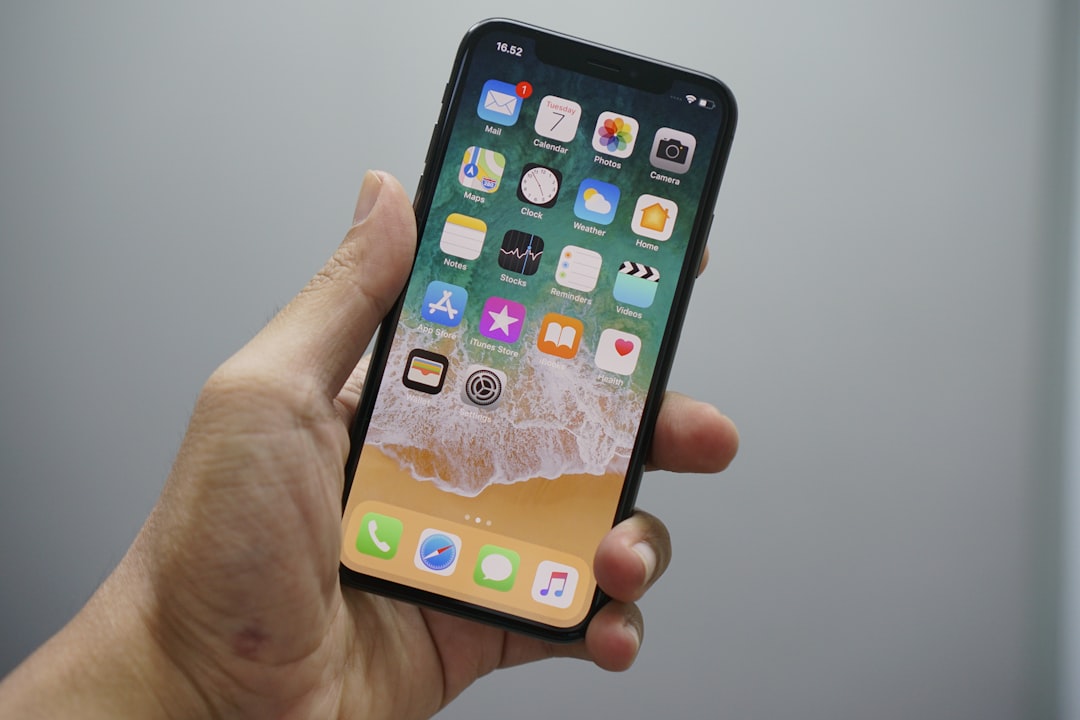
This week we ran a short alert about a scam that arrives through FaceTime, the same app you use to see your grandchildren on a Sunday afternoon. It turned out to be the story most of you read.
So we are going back to it. This time with more detail, more sources, and the specific settings that shut these calls down before they ever ring.
The short version has not changed. FaceTime itself has not been hacked. Criminals are using it the way a con artist once used a good suit and a business card: to look official long enough to get what they came for.
Here is the longer version.
Why Scammers Moved to FaceTime
For years, the standard fraud call was a robocall. Recorded voice, obvious script, easy to hang up on.
FaceTime hands criminals something a robocall never could. A face. A voice. A live conversation that moves at their pace.
ConsumerAffairs reported in July that scammers are increasingly exploiting the platform’s familiarity to make their schemes appear more convincing, posing as bank employees, tech support agents, government officials, and even romantic partners to build trust. Security experts told the outlet that seeing or hearing someone in real time lowers a person’s skepticism, even though the technology itself offers no proof at all of who that person is.
There is a second reason, and it is worth sitting with for a moment. Most iPhone owners think of FaceTime as a family app. Nearly every call that has ever come through it was from someone you love. That association does a great deal of quiet work for a scammer before a single word is spoken.
Apple has responded to the trend. The company now specifically asks customers to report suspicious FaceTime calls and FaceTime invitation links, acknowledging that fraudsters have begun folding the service into phishing and impersonation schemes.
The Four Versions You Are Most Likely to See
The bank fraud department call
This one is the most common and the most expensive.
It usually starts with a text message claiming there has been suspicious activity on a bank account or credit card. When you call the number in the message, or accept the follow-up call, the person on the line says additional verification is needed and moves the conversation to FaceTime. During the video call, you may be asked to share your screen while logging into online banking, transferring money, or entering security codes. The scammer watches your passwords, account numbers, and one-time verification codes appear in real time.
The Federal Communications Commission puts it plainly. According to FTC data, bank impersonation scams account for the highest losses of any impersonation scam category, and victims often lose everything in the account. Banks will never call or text and ask you to move your money to protect it.
The tech support call
After a fake security warning appears on screen or arrives by text, the caller says they need to visually inspect your device. The FaceTime session is then used to walk you through installing remote-access software, changing security settings, or revealing sensitive information.
Apple’s own guidance is direct on this point. Apple will never ask you to log in to any website, tap Accept in the two-factor authentication dialog, or provide your password, device passcode, or two-factor authentication code. Apple also warns that scammers sometimes ask people to turn off security features like two-factor authentication or Stolen Device Protection, claiming it is necessary to stop an attack. Apple will never ask you to disable any security feature on your device or account.
The government or law enforcement call
Callers pretending to represent police departments, federal agencies, or foreign law enforcement sometimes escalate from a phone call to FaceTime to appear more authentic. They may display fake credentials or wear uniforms on camera while accusing you of crimes, identity theft, or outstanding warrants.The FTC says legitimate law enforcement agencies do not call people demanding immediate payment to avoid arrest, and they do not request payment through cryptocurrency, gift cards, payment apps, or wire transfers.
The romance or celebrity call
Rather than relying on text messages alone, some scammers conduct brief video chats to prove they are genuine. They may use lookalikes, prerecorded video, heavy filters, or AI-generated imagery to impersonate a celebrity or an attractive stranger before asking for money, investments, or gift cards.
A brief video call has become the modern version of a photograph in a letter. It feels like proof. It is not.
Why the Name on Your Screen Cannot Be Trusted
The word to know here is spoofing.
Apple describes it this way: a scammer may call from what appears to be a legitimate phone number for Apple or another trusted company, and if the call seems suspicious, the safest move is to hang up and dial the vetted number for the company yourself.
Faking caller ID to defraud someone is against federal law. Under the Truth in Caller ID Act, FCC rules prohibit anyone from transmitting misleading or inaccurate caller ID information with the intent to defraud, cause harm, or wrongly obtain anything of value, and anyone doing so can face penalties of up to $10,000 for each violation.
Enforcement is real, and it is ongoing. In April 2026, the FCC proposed a $4.5 million fine against a phone provider that allowed tens of thousands of fake calls pretending to be from various banks to reach consumers.
None of that stops the call from arriving on your screen tonight. The law punishes spoofing after the fact. Only you can decide not to trust the display.
What the Numbers Actually Show
It helps to see the scale, because the instinct to think “this would never happen to me” is exactly the instinct these calls are built to exploit.
The Federal Trade Commission reports to Congress every year on fraud against older Americans. Total fraud losses reported by adults 60 and over increased about fourfold from 2020 to 2024, rising from roughly $600 million to $2.4 billion, driven largely by reports of losses over $100,000.
Impersonation is a large piece of that. FTC analysis released in August 2025 found that combined losses reported by adults 60 and over who lost more than $100,000 to government and business impersonation scams increased eight-fold, from $55 million in 2020 to $445 million in 2024.
Tech support fraud, the category that most resembles the fake Apple call, is its own line item. Older consumers reported $159 million in losses to tech support scams in 2024.
And unfortunately, the reported figures are only the tip of the iceberg. Because most fraud is never reported, the FTC estimates that actual losses experienced by older adults in 2024 may have reached as much as $81.5 billion.
One more figure worth knowing, since AI keeps turning up in these schemes. AARP reported that the FBI logged $893 million in losses tied to AI-related scams, including voice cloning and deepfakes, with older adults accounting for $352 million of that total.
That is the environment. Now here is what to do about it.
The Four Sentences That Should End Any Call
If you remember nothing else from this article, remember these. Any one of them, spoken by anyone, on any call, means the conversation is over.
“You need to move your money to protect it.” The FTC could not be clearer. Your money is fine where it is, no matter what they say or how urgently they say it. Moving it means you will lose it. Someone who says you have to move your money to protect it is a scammer, period.
“Read me the verification code.” Banks use those codes to prove you are really you. Share the code and the scammer can use it to prove they are you. No caller, especially someone claiming to be from your bank’s fraud department, will ever ask for it.
“I need your Apple Account password to fix this.” Apple never asks for this information to provide support.
“Let me see your screen while you log in.” Consumer protection agencies recommend never sharing your screen with an unsolicited caller and never providing passwords, verification codes, or banking credentials during a FaceTime call.
Settings Worth Changing This Week
Apple has built tools for exactly this problem, and most people have never opened them. Each one takes under a minute.
Silence unknown FaceTime callers. Go to Settings, tap Apps, then tap FaceTime, and turn on Silence Unknown Callers. Calls from unknown numbers are silenced and sent to voicemail.
Turn on FaceTime spam filtering. In the same FaceTime settings, scroll to Call Filtering and turn on FaceTime Spam. Calls identified as spam or fraud are silenced and moved to a separate Spam list.
Turn on unknown caller filtering. Also under Call Filtering, turn on Unknown Callers. Missed calls and voicemails from unknown numbers are moved to an Unknown Callers list, which you can view by tapping the Filter button.
Save the numbers that matter. Apple recommends adding important numbers to your Contacts, such as family, your doctor’s office, and your bank, so those calls always come through. This is the step people skip, and it is the one that makes the others livable.
A note on screening: if you call emergency services, call screening turns off for the next 24 hours, so a hospital or a returning call from 911 will still reach you.
If a Call Already Happened
First, take a breath. The shame that follows one of these calls is manufactured. It is part of the design.
If you believe your Apple Account has been compromised, or you may have entered your password or other personal information on a scam website, change your Apple Account password immediately and make sure two-factor authentication is turned on.If you shared a code or moved money, tell your bank or fund right away, then report it to the FTC at ReportFraud.ftc.gov.
Apple wants the call itself reported. Email a screenshot of the call information to reportfacetimefraud@apple.com. To find that information, open FaceTime and tap the More Info button next to the suspicious call. If a suspicious FaceTime link arrived in Messages or Mail, send a screenshot of the link to the same address, including the phone number or email address that sent it.
And if you would rather talk to a person before deciding anything, there is one. The AARP Fraud Watch Network Helpline, 877-908-3360, offers free support and guidance from trained fraud specialists, and it is available to anyone. The toll-free line is open Monday through Friday, 8 a.m. to 8 p.m. ET.
The One Habit That Beats All of Them
AARP built its fraud education around three signals: an unexpected contact, a surge of emotion, and a sense of urgency. When you notice all three at once, their advice is to take an “active pause,” which gives you time to process what is happening and can help you avoid fraud.
Everything a scammer does on a FaceTime call is engineered to prevent that pause. The urgency is not incidental. It is the whole product. Apple notes that the scammer usually creates a strong sense of urgency to avoid giving you time to think, and may claim you are free to call Apple back while insisting the fraudulent activity will continue and you will be liable. That claim is false, and it is designed to prevent you from hanging up.
You are allowed to hang up on anyone. You are allowed to hang up mid-sentence, without explanation. Nothing bad happens to people who hang up and call their bank back on the number printed on their own statement.
That is the whole defense. Hang up first. Verify second. Decide third.
Pass it along to someone who would want to know.