
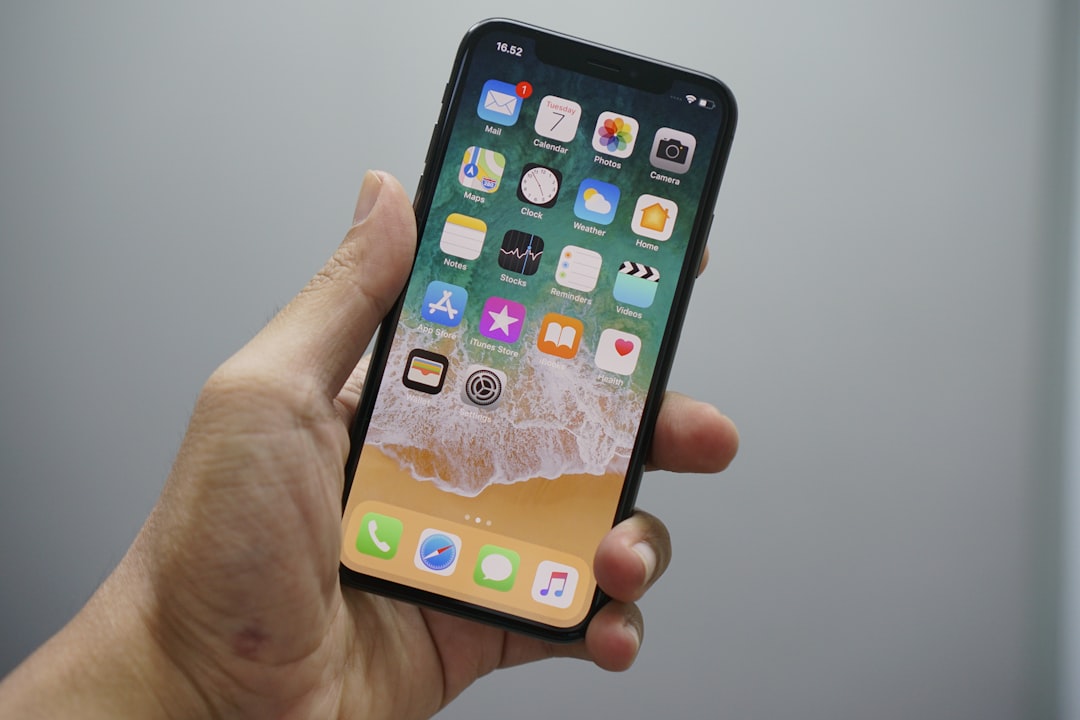
If you have an iPhone or iPad, there is a new scam you need to know about. It is spreading fast, and it uses FaceTime, the same app you use to video chat with family, as a way to reach you.
Security researchers flagged it recently. Apple has issued a warning to users.
What Is Actually Happening
FaceTime itself has not been hacked. That is the first thing to understand. Scammers are simply using it as a tool to contact you and sound official.
They place FaceTime calls or send you invitation links. While they do that, they fake the name or number you see on your screen, a trick called spoofing. The call can look like it is coming from Apple, your bank, or even a government agency.
Some callers even drop personal details early in the conversation, your home address or your employer, to seem like they really are who they claim to be.
Once they have your attention, the urgency kicks in. They might say someone broke into your iCloud account or made unauthorized Apple Pay charges. Then they offer to fix it, but only if you share a password, a security code, or payment details right now. That information goes straight to draining your accounts.
How to Spot It
Treat any unexpected FaceTime call or message that asks about payments, refunds, password resets, or personal information as suspicious. Do not trust it just because a familiar name appears on your screen; caller ID can be faked.
Apple says its representatives will never ask you for your Apple Account password, your device passcode, or your two-factor authentication code. If anyone on a call asks for any of those things, that is your sign to hang up.
What to Do Right Now
The most important rule: do not act while you are still on the call. Hang up first. Then contact the company yourself using a phone number you look up on your own, not one the caller gave you.
Apple also asks users to report suspicious FaceTime calls or links. Take a screenshot of the call or the invitation, then email it to reportfacetimefraud@apple.com.