
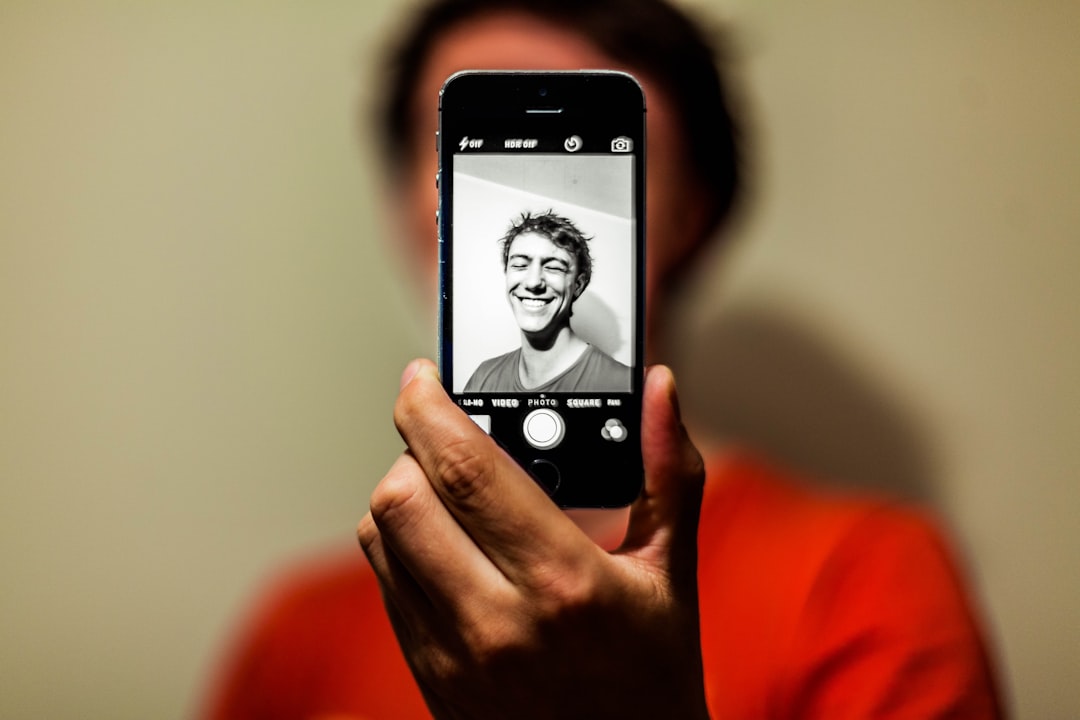
You take a photo of yourself with your phone. You look fine in the preview. But once it saves, something feels just a little bit off. Not bad, exactly, just not quite you.
You are not imagining things. And nothing is wrong with your face. Your phone is simply doing something clever behind the scenes, and once you understand it, the whole thing makes a lot more sense.
It Starts With the Mirror You Already Know
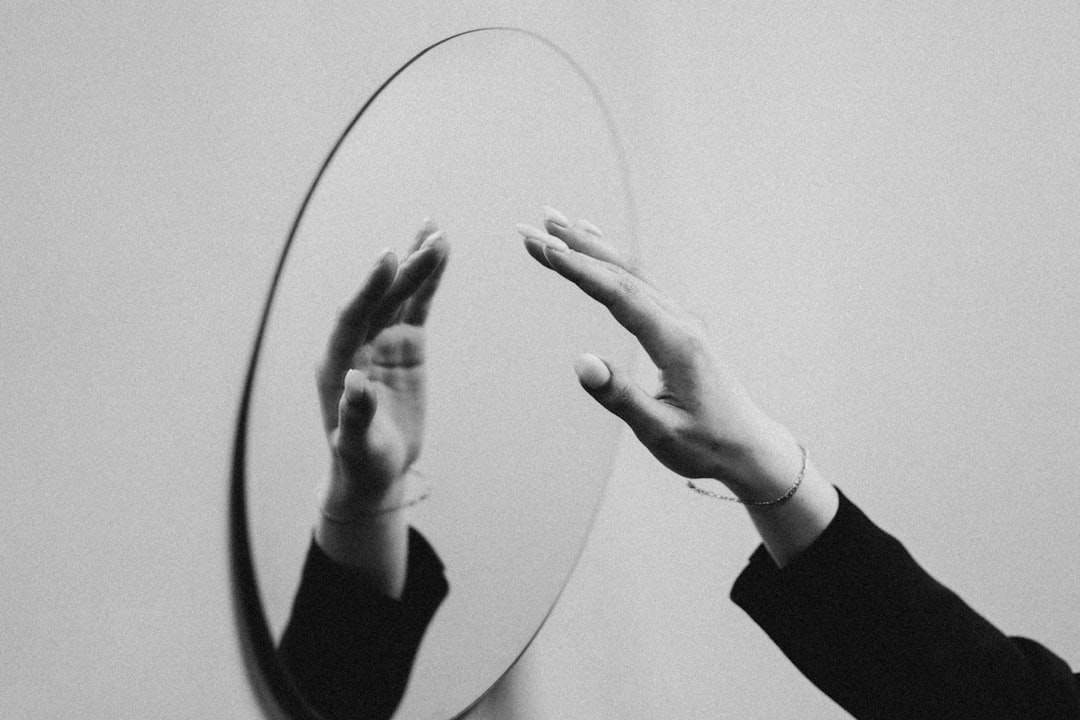
When you open your phone’s front-facing camera, the preview you see is a mirror image of your face. That is intentional. It matches what you see every morning in the bathroom mirror.
Your brain has spent decades memorizing that reflected version of yourself. Psychologists call this the mere exposure effect. We tend to prefer the versions of things we see most often. For most of us, that means we prefer the mirrored version of our own face.
That is why the preview feels comfortable and natural as you line up the shot. Left and right behave the way you expect them to.
What Happens the Moment You Hit the Button
Here is where it gets interesting. When you actually take the photo, your phone has to decide how to save it. And different phones handle this differently.
On iPhones, the saved image is often automatically flipped back — so it shows how other people see you, not the mirror version you were looking at. That is also why any text visible in the background might appear reversed in the final photo.
On many Android phones and in apps like Snapchat, the image may stay mirrored unless you change a setting. Rear cameras are entirely different; they never mirror the image at all. They capture exactly what is in front of the lens.
You Can Actually Change This Setting
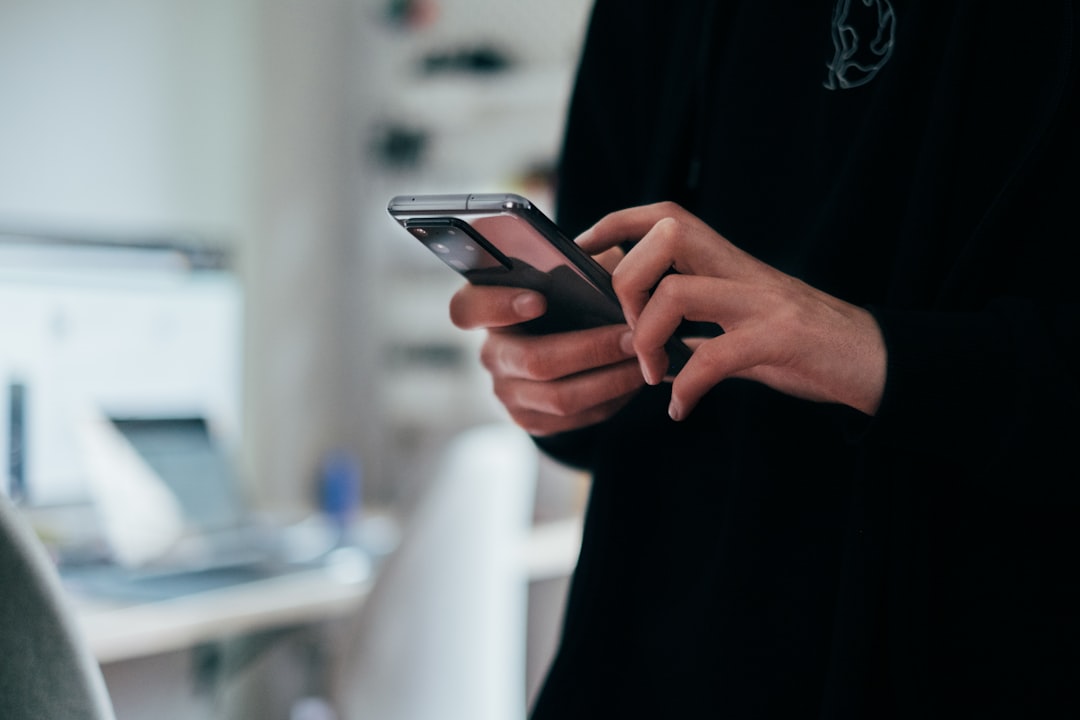
If you prefer one version over the other, you have options. Most smartphones include a setting that controls whether your selfies are saved as mirrored or flipped images.
On iPhones, look for a toggle labeled “Mirror Front Camera” in your camera settings. On most Android phones, a similar option is available in the camera settings, though the exact label can vary by phone.
The setting is easy to miss because it is often buried a few taps deep. But it is there.
Here is the good news: neither version is more correct than the other. One shows how you see yourself. The other shows how everyone else sees you. Both are real. Both are you.
So the next time a selfie feels slightly off, you will know exactly why and exactly what to do about it.